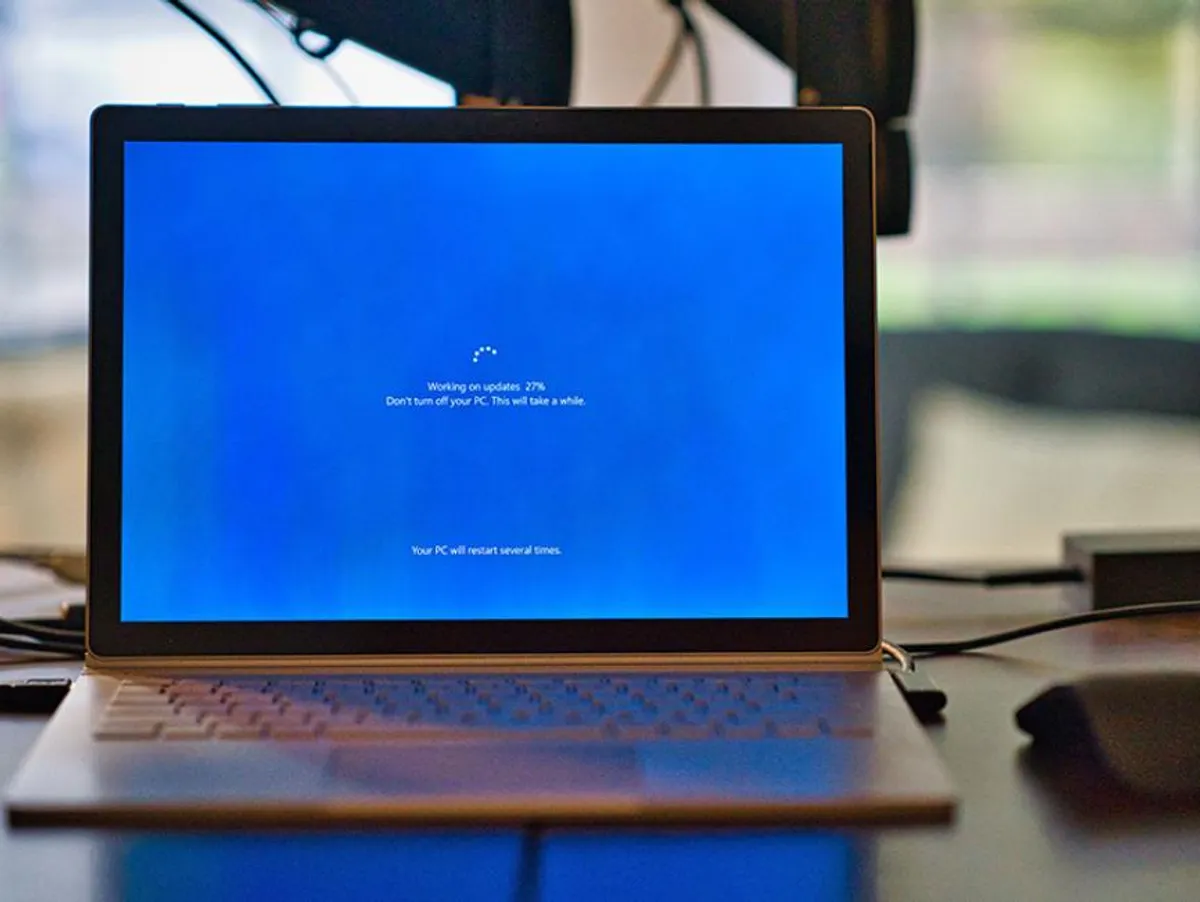
Got an outdated ExpressionEngine installation needing modernization? Uncertain about investment requirements or timeline? Or facing an unsupported version situation requiring immediate action? Understanding the upgrade pathway doesn’t need to feel daunting.
Below is Revision Road’s methodical approach for modernizing ExpressionEngine installations. Whether self-managing the upgrade, seeking guidance, or hiring professional support, this roadmap clarifies our proven methodology.
The Risks of Maintaining Outdated ExpressionEngine Installations
Similar to iOS updates, hosting infrastructure constantly advances. Providers regularly discontinue support for legacy PHP iterations. ExpressionEngine developers persistently issue security patches, bug fixes, and feature enhancements. Common risks from delaying updates:
-
Security vulnerabilities: Outdated systems become attractive targets for malicious actors, threatening sensitive information and brand integrity.
-
Compatibility issues: Modern browsers and devices may not function properly, degrading user satisfaction and feature availability.
-
Performance degradation: Without maintenance, sites become slower, increasing abandonment rates and reducing search visibility.
Benefits of Modernization
-
Enhanced security: Installing current patches protects infrastructure against emerging threats and safeguards information.
-
Improved compatibility: Updated installations work seamlessly across contemporary servers, browsers, and devices.
-
Better performance: Newer PHP versions deliver faster loading, reduced abandonment, and stronger search rankings.
-
Advanced capabilities: ExpressionEngine Pro includes frontend editing, improved administrative interfaces, expanded field options, superior preview functionality, and additional enhancements.
Step-by-Step Modernization Process
Evaluate & Audit
Initial assessment inventories your current platform version, installed extensions, template architecture, hosting specifications, and traffic metrics.
Hosting Recommendations
Findings determine appropriate post-upgrade infrastructure. Based on current ExpressionEngine requirements, traffic volume, and security considerations, specialists identify whether hosting migration is necessary.
Cloudways is highlighted as a robust fully-managed VPS solution with comprehensive support and administrative tools.
Platform & Extension Updates
Upgrade extensions and the core platform version. Legacy template code may generate compatibility errors requiring systematic resolution using vendor documentation.
Content Migration & Template Refinement
After stabilization, content migrates using existing tools or manual processes depending on data structure complexity and field mapping requirements.
Quality Assurance & Testing
Manual testing validates each page type for functionality and accuracy, comparing against current live versions side-by-side.
Staging Environment
Pre-deployment review allows stakeholders to identify remaining issues in an isolated testing environment.
Go-Live Coordination & Final Migration
Your team likely continued making database modifications during development. Coordinators establish content freezes, re-execute migrations, validate staging completeness, then deploy to production.
Team Training
Live instruction familiarizes content administrators with updated interface elements and workflows.
Ongoing Maintenance Solutions
Customized maintenance packages maintain system currency and optimize performance continuously.
Summary
Modernizing prevents capability loss. Professional support ensures enhanced protection, contemporary compatibility, optimized speed, and sustained reliability.